
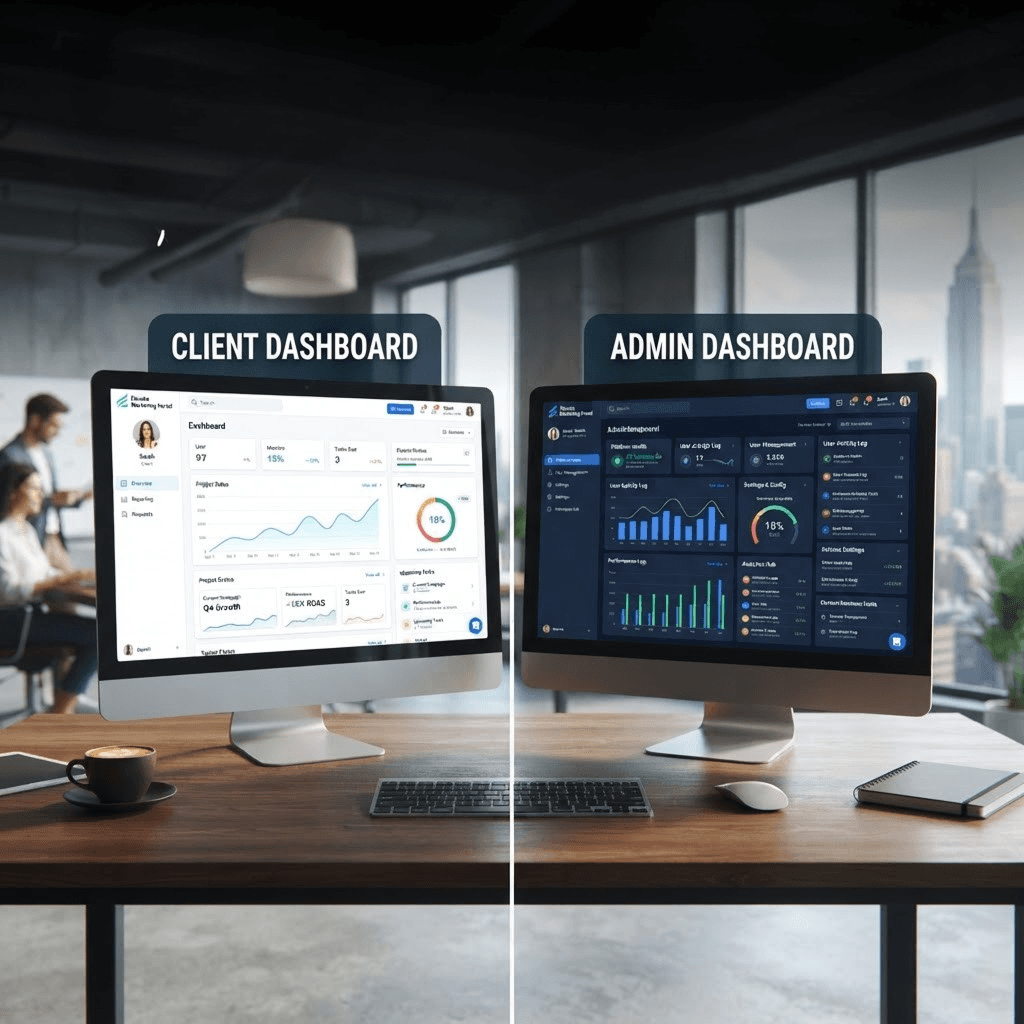
A digital marketing portal is much more than a place to log in and check campaign performance. It is a collaborative workspace where clients and marketing teams work together to achieve business goals.
The Client Dashboard: Keeping Clients Informed and Empowered
The client dashboard is designed to provide a clear overview of every aspect of a client's digital marketing journey. From the moment users log in, they enter a personalised workspace where they can monitor campaigns, review analytics, access strategic resources, and communicate with their marketing team.
The Admin Dashboard: A Workspace Built for Productivity
While clients focus on business outcomes, internal teams need tools that help them organise work, manage projects, and collaborate effectively. The Admin Dashboard serves as the operational centre for designers, marketers, account managers, support teams, and HR staff.
Why Separate Dashboards Matter
Designing separate dashboards for clients and administrators creates a better experience for everyone. Clients receive a clean, intuitive interface focused on business growth, while staff members gain access to a powerful workspace designed to support collaboration.