
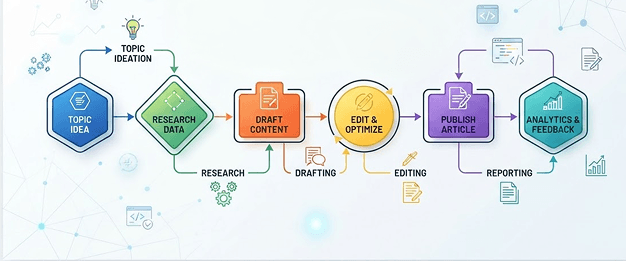
Creating a successful website or app is about more than attractive visuals — it requires a seamless user experience. One of the most effective tools for planning and improving that experience is the user flow diagram.
A user flow diagram helps designers, developers, product managers, and business analysts visualize how users navigate through a product to complete a task. By mapping each interaction, teams can identify pain points, improve navigation, and create intuitive digital experiences.
What Is a User Flow Diagram?
A user flow diagram is a visual representation of the sequence of steps a user takes to achieve a specific goal within a website, application, or software system.
Why User Flow Diagrams Matter
They improve user experience by surfacing confusing navigation and unnecessary steps before development begins. They give designers, developers, and stakeholders one shared visual to work from, which reduces costly redesigns later.
A Simple Example
For an e-commerce checkout: Home Page → Search for Product → View Results → Select Product → Product Details → Add to Cart → Checkout → Shipping Address → Payment → Order Confirmation.
How to Create One
1. Define the user goal — what exactly are they trying to accomplish? 2. Identify the entry point — where does the journey begin? 3. List every user action required to get there. 4. Add decision points wherever users make a choice. 5. Connect the steps with arrows showing direction. 6. Review and simplify — cut anything unnecessary. 7. Test the flow with real users or stakeholders.
Best Practices
Keep diagrams simple and focused on a single user goal. Use consistent symbols and labels throughout. Include alternate and error paths, not just the happy path.
Tools Worth Knowing
Figma, Miro, Lucidchart, diagrams.net, Microsoft Visio, Whimsical, and FigJam are all common choices.
The Takeaway
A well-designed user flow diagram is the foundation of a good user experience. It helps teams understand user behavior, simplify navigation, and build products that feel intuitive.